


Configure TrakSYS by Describing What You Want
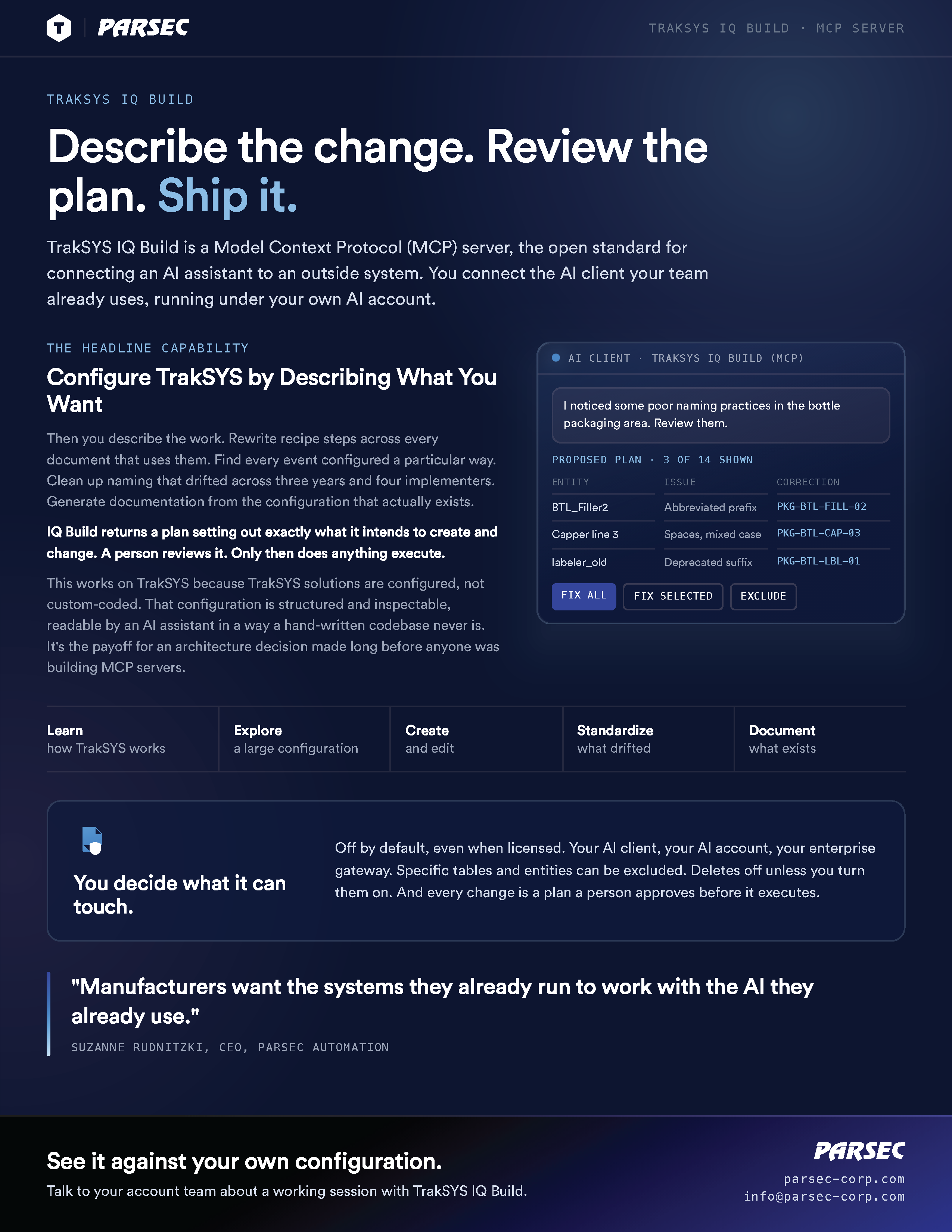
TrakSYS IQ Build is an MCP server that connects your AI assistant directly to TrakSYS. Describe the change you need and it proposes the configuration (entities, screens, scripts, and all) for your team to review and approve before anything is applied.
The Slow Part Was Never the Thinking
Experienced integrators know what a solution should look like within an hour of a requirements conversation. Then comes the rest of it: building out the entities, wiring the events, laying out the screens, writing the scripts, and repeating the same pattern across dozens of lines and sites.
That gap between knowing and building is where project timelines actually go. It's repetitive, it's precise, and it consumes senior people who should be solving problems instead of executing them.
TrakSYS: An MES Built for Complex Manufacturing
TrakSYS: An MES Built for Complex Manufacturing
A quick look at TrakSYS IQ Build, the MCP server that connects the AI client your team already uses to your TrakSYS configuration. Describe the change you want, review the plan it proposes, and approve it before anything executes.
Configuration-First Architecture Is What Makes This Possible
TrakSYS was built as a configurable platform, not a code base. Solutions are defined through structured configuration (entities, events, workflows, templates, screens) with a documented API surface behind all of it.
That architecture is the reason IQ Build works. An AI assistant reasoning over a well-defined configuration model can propose complete, coherent changes across a solution. An AI assistant loose in a custom code base cannot.
This is a compounding advantage of building on TrakSYS: the same structure that makes solutions maintainable, transportable, and governable is the structure that makes them AI-assistable.
Deep Platform Knowledge
The IQ Build MCP server gives your AI assistant detailed understanding of TrakSYS entities, fields, and configuration patterns.
Multi-Step Changes
Update a recipe across every affected document and configuration object in one reviewed pass, not forty manual edits.
Your Project's Conventions
Supply project context files so the assistant follows how your solution is built, not just how TrakSYS works generally.
An MCP Server for TrakSYS
IQ Build is an MCP server. The Model Context Protocol is the open standard for connecting AI assistants to external systems, and IQ Build implements it for TrakSYS. Point your own AI client at it and TrakSYS becomes something that client can work with directly.
Connect
Add the IQ Build MCP server to the AI client your team already uses.
Describe
Tell it what you need in plain language, the way you'd brief a colleague.
Review and Approve
IQ Build proposes the change. A person confirms before anything is applied to TrakSYS.
Because it's built on an open standard, you're not locked into a single AI vendor or a proprietary interface. You choose the client, you choose the model, and it runs under your own AI account.
A Real Multi-Document Change, Proposed and Approved
You Decide What It Can Touch
You Control the Connection.
Enabling the IQ Build MCP server, choosing which AI client connects to it, and deciding who has access are all customer decisions.
Human-in-the-Loop by Design.
IQ Build proposes a plan describing what it intends to create or change. A person reviews and approves before execution.
Your AI Account, Your Model.
Configuration work runs through the AI client and account you choose.
Start Where It Makes Sense.
Most teams begin in development and staging environments and expand from there.
Connecting an AI assistant to a TrakSYS configuration is a deliberate decision, and configuration can contain sensitive information. IQ Build is built so that decision stays entirely yours.
Built for the People Who Build TrakSYS
System Integrators
Deliver more projects per resource. Faster configuration means better project margin and shorter time to value for your customers.
Internal MES Development Teams
Extend and maintain your own solution without waiting in a queue for specialist availability.
Solution Architects
Move faster from design to working configuration, and spend review time on the design rather than the data entry.
IQ Build is a build-side capability for the people configuring TrakSYS. For operations teams asking questions about live production, that's TrakSYS IQ Assistant.
An Early Capability, Improving Fast
IQ Build is a first-generation capability and it's getting better with every iteration. The MCP server gives an AI model deep knowledge of TrakSYS itself; it doesn't automatically know the conventions of a specific project, which is why project context files matter. Teams that supply that context get materially better results.